On-device generation
No backend call to load a puzzle. Ad-Free and Unlimited members get full offline play. The free tier needs a brief connection to load the daily ad.
A fresh 20×20 grid every day, built from a JLPT-tagged word list for N5 through N1. Type the pronunciation you already know and the grid fills in hiragana automatically. No kana memorization required to start.
No account required. Ad-Free and Unlimited members play fully offline.

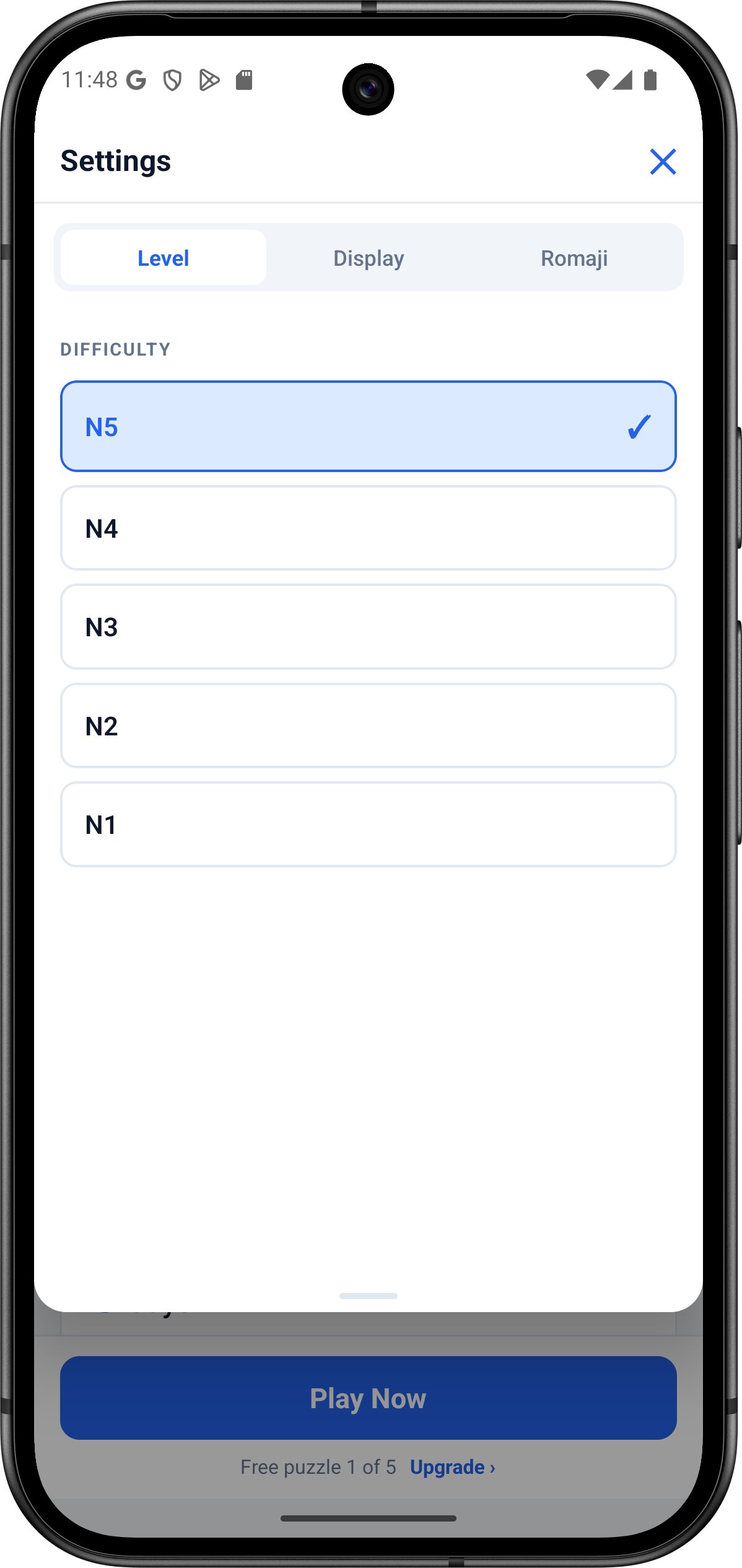
Pick N5 through N1 and a new 20×20 grid generates on-device from a word list tagged against official JLPT level guidelines, filtered to that level. No two puzzles repeat the same layout, and words you've solved recently are deprioritized so the same vocabulary doesn't resurface every day.
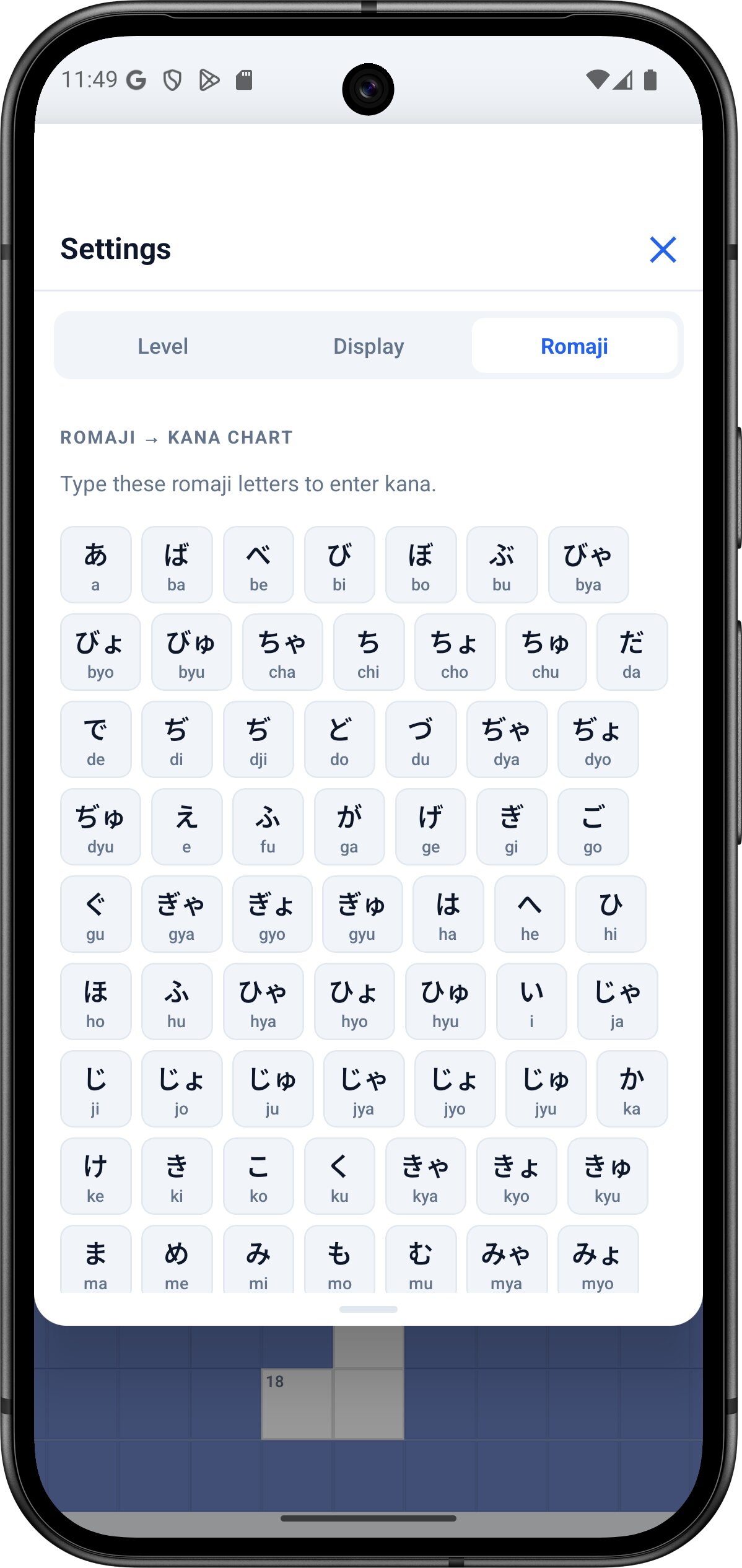
Just spell out the pronunciation you already know. For example, 'kyou' lands as きょう, 'tsu' as つ, 'sha' as しゃ. The conversion engine handles every compound kana and long vowel automatically. You never have to memorise the hiragana layout to play.
Every clue is a real JLPT word with its English gloss. Producing the correct kana spelling from a clue is retrieval practice; picking a familiar word off a flashcard is recognition. Cognitive science research on the testing effect on long-term retention found that retrieval practice beats passive restudy for what you remember later. JLPT levels roughly track the CEFR proficiency framework used across Europe, so N5 sits near CEFR A1 and N1 near a high B2–C1.
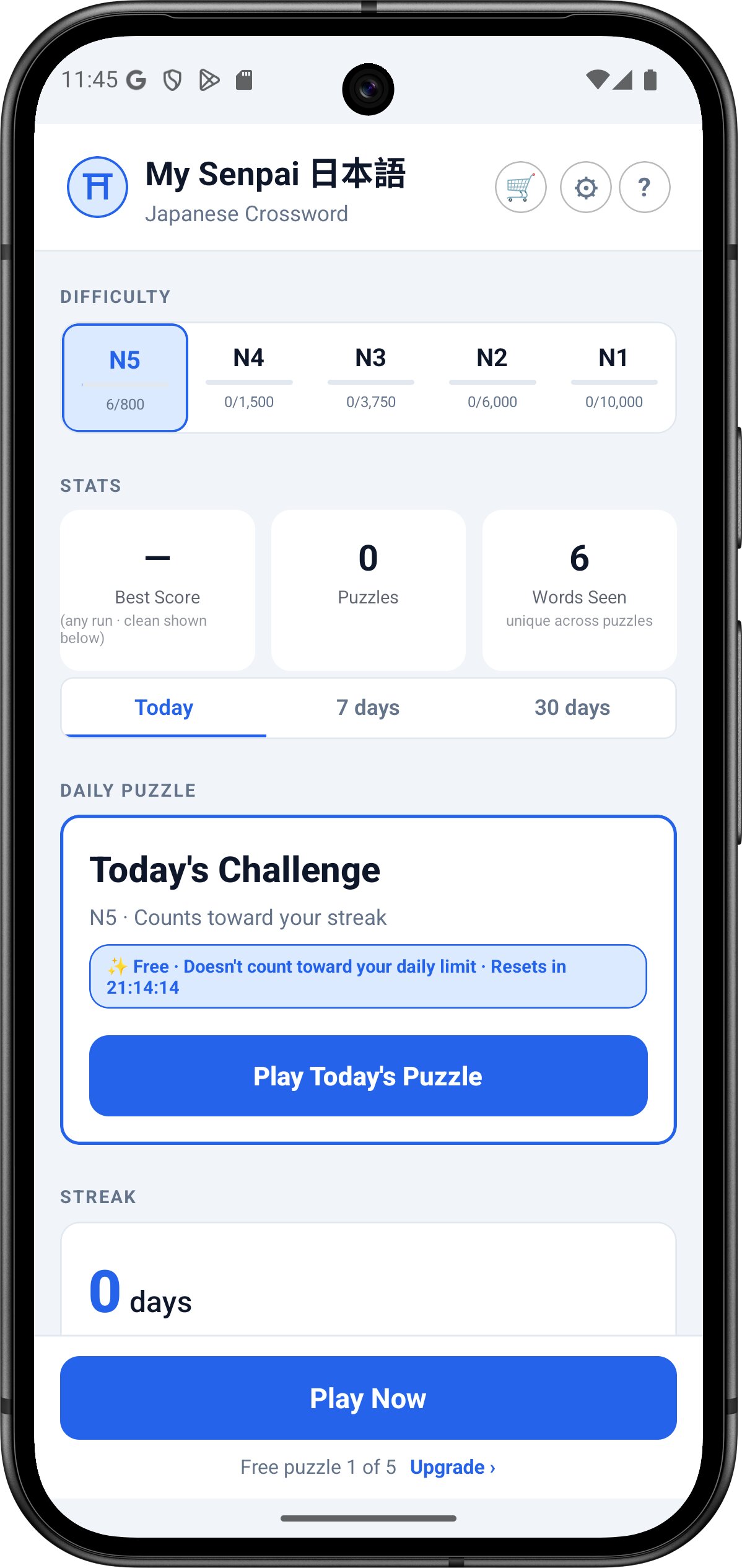
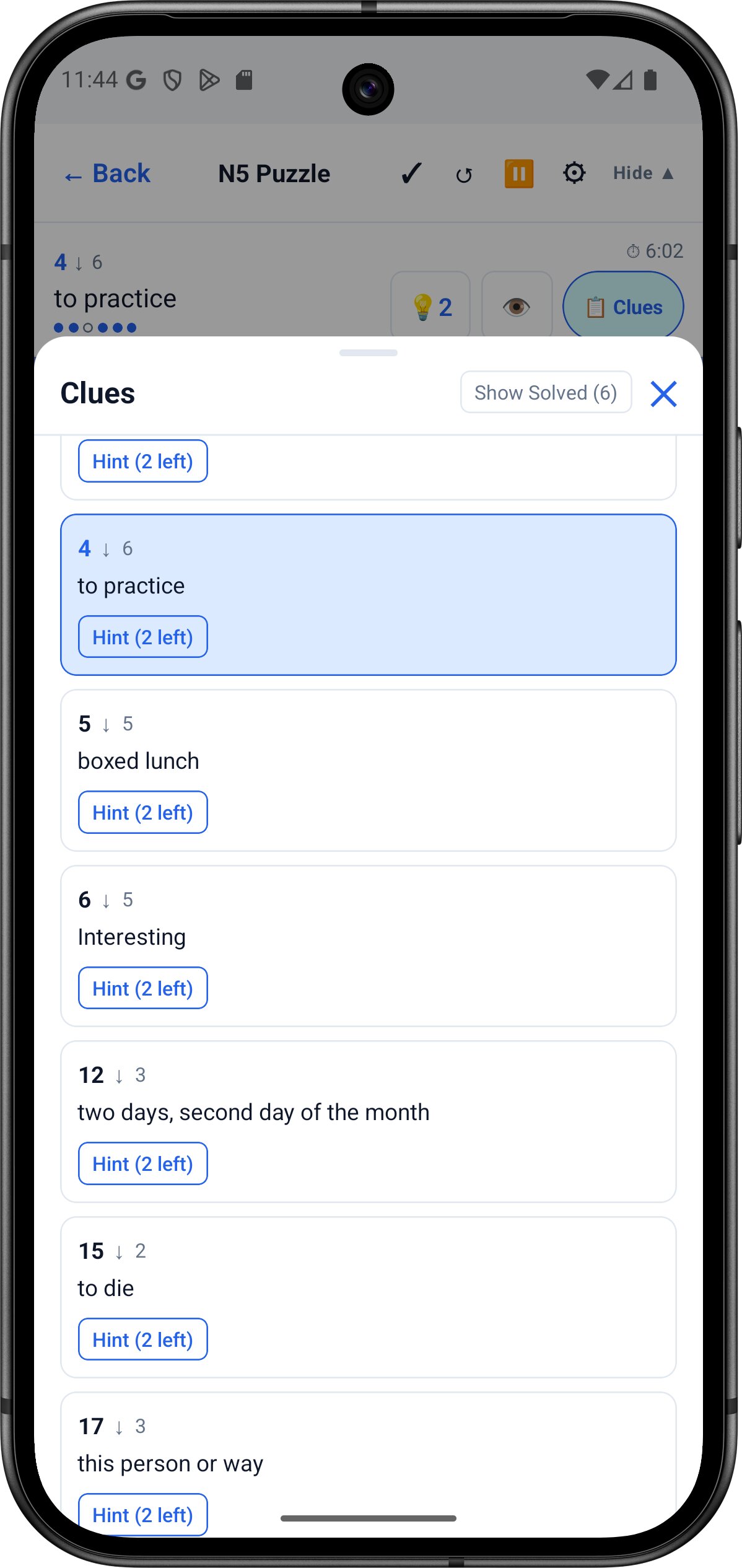
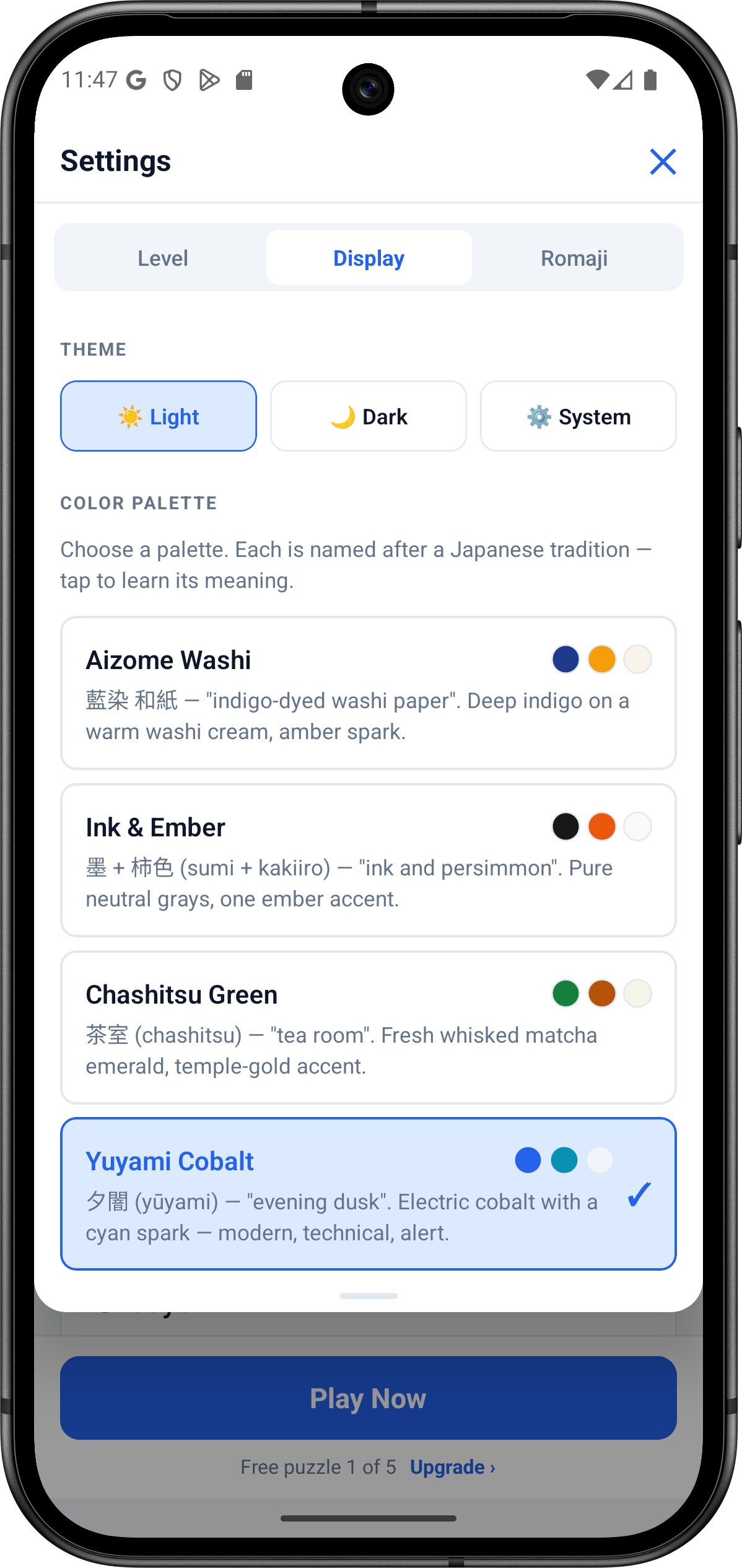
No backend call to load a puzzle. Ad-Free and Unlimited members get full offline play. The free tier needs a brief connection to load the daily ad.
On iOS and Android, switch to your phone's own keyboard, including your device's Japanese IME if you have one installed, and it types straight into the grid.
Every word is tagged N5 through N1 against official JLPT levels, so a puzzle at your level stays at your level.
One daily puzzle keeps the streak alive and never counts against your 5 free plays. Miss a day and the streak resets.
Same puzzle engine, three form factors. Pick up where you left off.
Reveal a single letter (up to twice) or the whole word when you're stuck. Revealed letters lock in place.
Tap any icon in the mock-up below to see what it does.
↑ Tap any control above
Web gives you today's puzzle. The app adds 5 free ad-supported plays a day, on top of the daily puzzle, plus streak tracking across devices. Go Ad-Free to remove ads and play offline, or go Unlimited to drop the daily play limit entirely.
Free: 5 ad-supported plays/day + the daily puzzle · Ad-Free removes ads and enables offline play · Unlimited removes the daily play cap
Yes. Web gives you one free puzzle a day. The app adds 5 free ad-supported plays a day, and the daily puzzle never counts against that 5. Ad-Free removes ads and enables offline play. Unlimited removes the daily play cap.
No. The web and app both work without sign-up. Progress is stored locally on your device.
The web version gives you one new puzzle each day. The app adds 5 free plays a day on top of that, plus offline play for Ad-Free/Unlimited members and per-level streaks.
N5 through N1, matching the official JLPT level guidelines. Pick a level and a fresh 20×20 grid generates on-device from a word list tagged for that level.
Ad-Free and Unlimited members can play fully offline once the app is installed. The free ad-supported tier needs a brief connection at the start of each puzzle to load the ad. The web version always requires a connection.
Yes, on both iOS and Android. Switch to your device's own keyboard, including a Japanese IME if you have one set up, and it types directly into the grid. An in-app romaji keyboard is also available as the default and can be switched back to any time in Settings.
Yes. The romaji helper shows you what each kana sounds like, and you can type romaji at any time. The engine converts it for you.
The Crossword pairs well with the rest of the My Senpai learning tools.
Speaking practice with Echo Fluency shadowing, SM-2 flashcards, and a full JLPT grammar guide.
Master all 96 hiragana & katakana characters in 30 days, a great warm-up before the crossword.
Read real news in Japanese with furigana on every kanji, a one-tap dictionary, text-to-speech, and JLPT N5 to N1 reading passages. Free on Android and as an iOS PWA, no account needed.